Essential Tips for Choosing the Right USB Charging Port?
Choosing the right USB charging port can be a daunting task. With various options available, it’s essential to understand what best suits your needs. USB charging ports differ in design, power output, and usability. These factors significantly impact device charging efficiency.
Many users overlook compatibility. It's critical to match the USB charging port type with your devices. Not every port or cable fits all gadgets. Sometimes, a port may look suitable but provide inadequate power. This can lead to frustration when devices fail to charge efficiently.
Think about the future, too. As technology evolves, the demand for faster charging increases. Opt for ports that support the latest standards. This choice can save you time. However, it's not just about speed. Reliability is key. A poorly made USB charging port may wear out quickly or cause damage. Reflecting on these aspects can lead to a more informed decision.
Understanding Different Types of USB Charging Ports Available Today
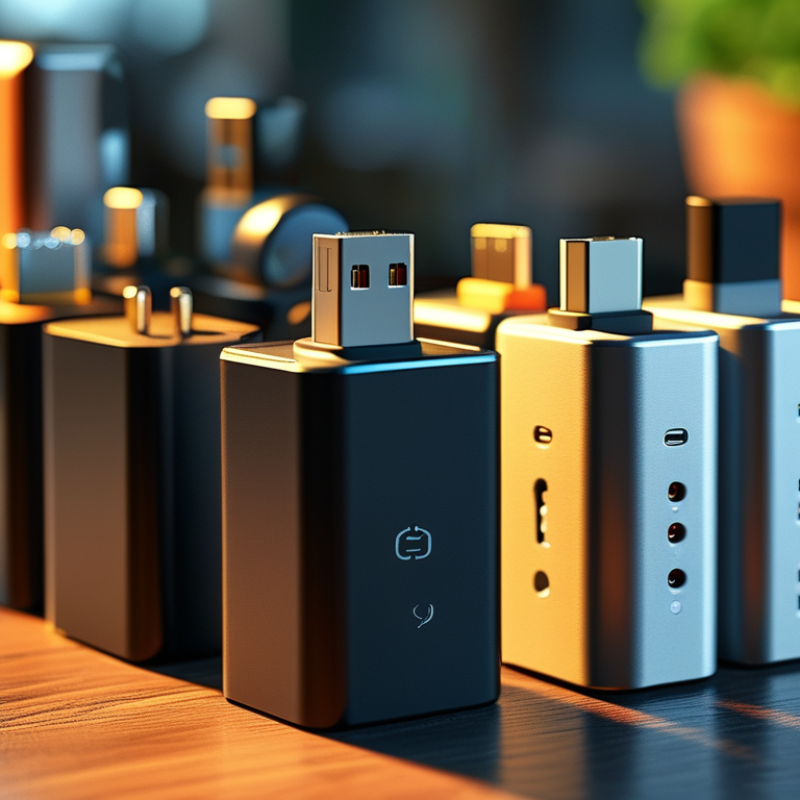
When choosing the right USB charging port, understanding the various types available is crucial. USB-A ports are the most common. They are often found on chargers and older devices. However, they have limitations in speed and efficiency, especially for modern devices. USB-C ports are becoming increasingly popular. They allow for faster data transfer and greater power delivery. This flexibility makes them ideal for new smartphones and laptops.
Then we have micro-USB ports, mostly used in older gadgets. They are smaller but offer slower charging. Some devices still use them, but their prevalence is declining. On the other hand, USB 3.0 and 3.1 versions support higher speeds. They can transfer data much faster than their predecessors, ensuring quick charging and synchronization.
Consumers often overlook these details. Many rush into buying cables without considering compatibility. This can lead to frustration when devices charge slowly or not at all. Understanding these nuances can improve your experience. Choose wisely to avoid the common pitfalls of compatibility issues or inadequate power support.
Key Factors to Consider When Selecting a USB Charging Port
When selecting a USB charging port, the charging speed is crucial. Ports come with various power outputs. Look for ports that support fast charging if efficiency is a priority. USB Power Delivery (USB PD) is a popular standard that allows faster charging for compatible devices. In contrast, basic USB ports might charge your device slowly, which can be frustrating.
Another important factor is compatibility. Not all devices use the same USB standard. For example, USB-C ports are common in modern devices. Ensure that the charging port you choose matches your device's requirements. Mismatched connections can lead to longer charging times or, worse, no charging at all.
Consider the physical design of the charging port too. Some ports are built for rugged use, while others are not. If you travel often or work in harsh environments, opt for a port with durable housing. Finally, reflect on the number of devices you'll be charging. Multiple ports can enhance convenience, but they may also reduce charging speed when used simultaneously. Balancing these aspects can help you make a better choice.
Comparing Charging Speeds: USB Types and Their Performance
When selecting a USB charging port, understanding charging speeds is crucial. Different USB types offer a range of performance features. USB Type-A is the most common and generally provides standard charging speeds. It works well for basic devices. However, it's slow, especially for tablets and high-capacity phones.
USB Type-C has rapidly gained popularity due to its superior performance. This port allows for significantly faster charging speeds. It can deliver power up to 100 watts, catering to laptops and larger devices. This versatility makes Type-C a top choice for many users. It's essential to ensure your device supports this technology for optimal performance.
But speed isn't everything. It's important to consider the cable quality and the power source as well. A high-speed port paired with a low-quality cable can limit performance. Many people overlook this aspect. Evaluating compatibility with your devices is key to a satisfying charging experience. Make informed decisions to avoid frustration and wasted time.
Compatibility Issues: Ensuring Your Devices Work with the Chosen Port
When selecting a USB charging port, compatibility is crucial. Different devices require specific charging standards. If your phone supports USB-C, it won’t work well with a Micro USB port. Understanding these differences can save time and frustration. Many consumers overlook this aspect during their purchase.
Another common issue is power output. Some ports offer rapid charging, while others do not. A standard USB-A port may only deliver 5W. In contrast, a USB-C port can provide up to 100W. This disparity can impact charging times significantly. Always check your device’s requirements before settling on a port.
Lastly, consider the physical size and shape of the charger. Bulkier chargers can interfere with portability. If you travel often, a compact option is essential. However, this might mean sacrificing power output. Reflect on your personal needs and usage patterns to make the right choice.
Essential Tips for Choosing the Right USB Charging Port
| Device Type |
USB Type |
Charging Speed (W) |
Compatibility Notes |
| Smartphone |
USB Type-C |
18W |
Most modern smartphones support this type |
| Tablet |
USB-C / Lightning |
30W |
Check for specific compatibility with your model |
| Laptop |
USB Type-C |
60W - 100W |
Ensure the laptop supports USB Power Delivery |
| Wireless Earbuds |
Micro USB / USB-C |
5W |
Check for included charging case |
| Power Banks |
USB-A / USB-C |
18W - 45W |
Some models may support fast charging |
Future-Proofing Your Selection: Trends in USB Technology and Standards
As technology evolves, choosing the right USB charging port becomes crucial. The landscape of USB standards is rapidly changing. It's essential to keep an eye on upcoming trends. USB-C has gained popularity because of its versatility. Adaptability is vital for future-proofing your devices.
Consider how many devices you own that use USB-C. Many laptops, smartphones, and accessories are now adopting this standard. This trend shows no signs of stopping. Look for ports that support higher power delivery. This ensures faster charging for your devices. Just remember, not all USB-C ports are created equal.
Additionally, think about compatibility. Older devices may not support the latest standards. This can lead to frustration when trying to charge or connect. Always double-check specifications before purchasing new cables or adapters. Take time to reflect on your needs. Knowledge of emerging technologies can guide your choices. Ultimately, an informed decision can enhance your technology experience.
USB Charging Ports Trends and Adoption Rates (2023)