Leave Your Message

What Is a USB Charging Port and How Does It Work?

A Usb Charging Port is the small connection point that transfers electrical power to a phone, tablet, laptop, camera, or other device. It may look simple, but several systems work behind that opening. Metal contacts carry current, while additional contacts can exchange data and identify the connected charger. USB-A, Micro-USB, USB-C, and newer USB Power Delivery designs do not behave exactly alike. That difference matters.

Jeff Ravencraft, USB Implementers Forum president and COO, once described USB as “the most successful interconnect in the history of personal computing.” His statement reflects USB’s broad reach, from a desk charger to a power bank in a travel bag. Yet popularity does not mean every port delivers the same performance. A USB-C port might support fast charging, video output, data transfer, or only basic power. The shape alone cannot confirm its capabilities.

Inside the charging process, the source and device communicate before higher power is supplied. They negotiate voltage, current, and charging limits. A compatible cable also matters. A thin or damaged cable may feel warm, charge slowly, or create an unreliable connection. Safety controls can reduce power when temperatures rise or when the device detects a problem. Still, users often assume that every USB port is interchangeable. That assumption needs reconsideration. This guide explains the physical parts, charging stages, connector types, power ratings, and practical safety checks behind a Usb Charging Port. It also examines common misunderstandings, because real-world charging is sometimes less predictable than product labels suggest.
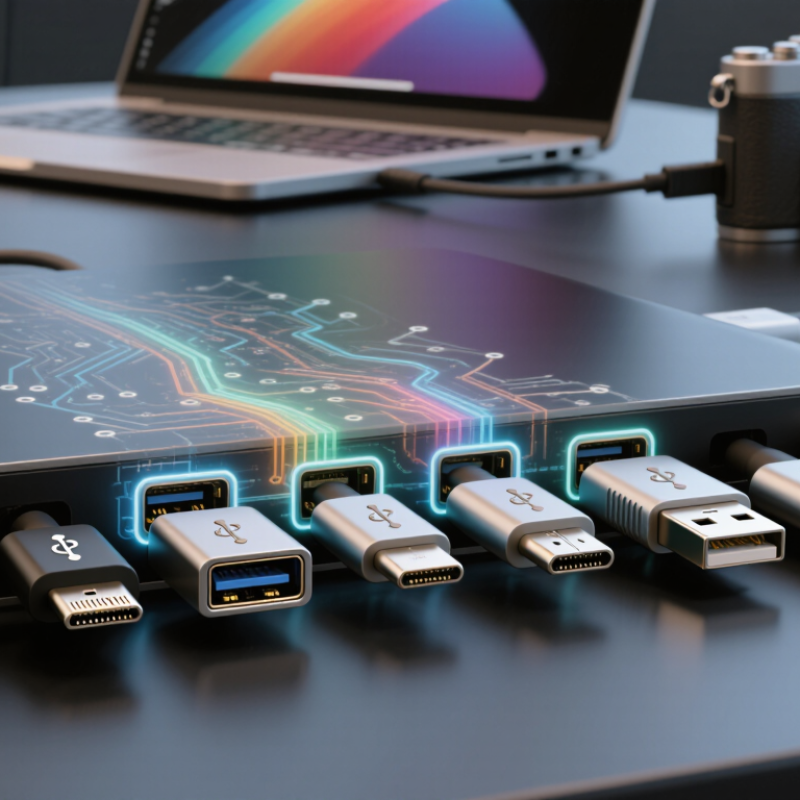
What Is a USB Charging Port and How Does It Work?

USB Charging Port: Definition and Core Purpose

A USB charging port is a physical interface that transfers electrical power to a battery-powered device. It can also carry data, although charging remains its core purpose. Inside, contacts connect power, ground, and communication lines. It is a small opening. The port does not create energy. It negotiates safe delivery.

Modern USB ports may support basic five-volt charging or USB Power Delivery (USB PD). Under the USB Implementers Forum USB PD Specification Revision 3.1, compatible systems can negotiate power profiles up to 240 watts. Actual output depends on the charger, cable, port, and device. One weak link. A cable designed for data may not support every higher-power mode. That distinction is often missed. The source identifies available voltage and current, while the receiving device requests a suitable level.

The European Commission’s common-charger impact assessment estimated that about 11,000 tonnes of electronic waste could be avoided annually in the European Union. Standardized ports may reduce discarded accessories, but they cannot solve every problem. Poor cables, damaged contacts, and heat can still slow charging. They may also create safety concerns. In daily use, a warm connector, intermittent charging, or loose fit deserves attention. My practical observation is simple: identical-looking ports can behave differently. The explanation is imperfect. Checking published power ratings remains the more reliable habit.
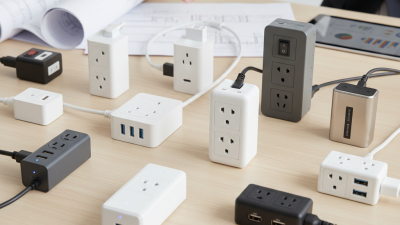
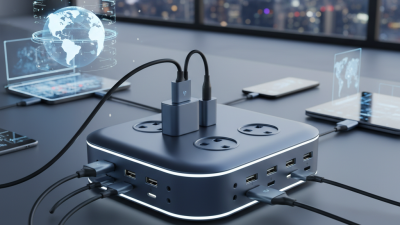
Key Components Inside a USB Charging Port

What Is a USB Charging Port and How Does It Work?

A USB charging port is a small electrical gateway between a power source and a battery-powered device. Its metal contacts carry power and, in some designs, data signals. The connector shell provides alignment and helps resist daily pulling, twisting, and dust. It is tiny. Behind the opening, a printed circuit board routes electricity through carefully designed traces. These copper paths must handle current without excessive heating or voltage loss.

The charging controller is the port’s decision-making component. It detects an attached device, manages current flow, and helps set a suitable charging level. Nearby resistors can identify connection conditions or communicate basic power limits.

Protection components reduce damage from overcurrent, short circuits, electrostatic discharge, and reversed electrical conditions. A fuse or current-limiting device may disconnect the circuit when danger rises. Heat changes everything.

During inspection work, I have found that a clean-looking port can still hide loosened contacts or cracked solder joints. These faults may cause intermittent charging rather than complete failure. Engineers therefore check contact pressure, solder quality, resistance, and temperature under load.

The process is not always perfect; measurements can vary with cable quality, battery condition, and test equipment. A reliable design also leaves room for mechanical strain, because users rarely insert connectors gently every time.

How Electrical Power Moves Through the Port

A USB charging port is a small electrical gateway. It transfers energy from a power source to a device through metal contacts inside the connector. The outer shell provides alignment and protection. The internal pins carry power, ground, and sometimes communication signals.

Power usually enters through a positive contact and returns through ground. A charging circuit then regulates the incoming electricity for the battery. It may reduce voltage, limit current, and monitor temperature during charging. This control prevents excessive heat and protects sensitive components. The port itself does not decide everything. A separate charging controller manages much of the process.

Modern USB systems can exchange signals before delivering higher power. The device and charger identify supported voltage and current levels. If no agreement occurs, the connection normally begins with a basic power level. This process is easy to overlook. A suitable cable also matters, because thin or damaged conductors can create resistance and heat. I have seen charging become unreliable after dust collected inside a port. Cleaning should be gentle and performed with the device disconnected.

Electrical flow is not perfectly smooth. Cable length, contact quality, and power conversion all reduce efficiency. Some energy becomes heat. That is why a device may charge slowly while operating under heavy load. The port can feel cool while the internal circuit still warms. Measuring voltage alone may also mislead, since current changes with the device’s needs. Careful testing requires proper instruments and attention to the manufacturer’s electrical specifications.

USB Charging Standards, Types, and Power Levels

A USB charging port transfers electrical power from an adapter to a battery-powered device. It also carries data when the connected devices support communication. The port’s shape does not determine its charging speed. USB-A, Micro-USB, and USB-C are common physical types. USB-C is reversible and can support higher power, but not every USB-C port has the same capabilities.

USB charging standards control how much current and voltage a device can safely receive. Basic USB 2.0 ports commonly provide 5 volts and up to 500 milliamps, or about 2.5 watts. USB 3.x ports can provide more current under suitable conditions. Battery Charging specifications can allow higher current through compatible ports. USB Power Delivery uses communication between the charger and device. They negotiate a suitable power level, sometimes reaching 240 watts with supported equipment. The cable matters too. A weak or damaged cable can reduce speed, create heat, or interrupt charging. In real use, batteries often charge slowly near full capacity. That part is easy to overlook.

Tips: Check the port markings, charger output, and cable rating together. A USB-C connector alone proves very little. Stop using a cable that feels hot, splits, or smells unusual. I have found that testing one variable at a time prevents confusing results. Try another cable first, then another adapter. Avoid assuming the highest listed wattage is always better; the device decides what it can accept.

What Is a USB Charging Port and How Does It Work? — USB Charging Standards, Types, and Power Levels

Category USB Standard or Port Type Typical Connector Maximum Data Rate Typical Voltage and Current Maximum or Common Power Level How It Works and Typical Uses
Basic USB charging USB 2.0 Standard Downstream Port USB-A or USB-B Up to 480 Mb/s 5 V; up to 500 mA under the original USB 2.0 specification Up to 2.5 W Provides power and data through dedicated power and ground contacts. It is suitable for low-power accessories and basic device charging.
Enhanced USB charging USB 3.x Standard Downstream Port USB-A or USB-C Up to 5, 10, or 20 Gb/s, depending on the USB 3.x generation 5 V; up to 900 mA for the original USB 3.0 current level Up to 4.5 W at the original 900 mA level Uses additional high-speed signal pairs for faster data transfer. Charging capability can vary by port design and may be higher when a charging specification is supported.
Dedicated charging USB Battery Charging 1.2 Dedicated Charging Port Usually USB-A or USB-C No data transfer required 5 V; up to 1.5 A in the standard charging profile Up to 7.5 W Uses the USB data contacts to identify a charging-only port. The device can draw more current than from a basic USB data port.
USB-C default power USB Type-C Current Capability USB-C Depends on the USB data standard implemented 5 V at 1.5 A or 3 A, depending on the port and cable configuration Up to 15 W without USB Power Delivery USB-C uses configuration-channel contacts to identify connection direction, current capability, and the role of each connected device.
Negotiated charging USB Power Delivery, Standard Power Range USB-C Depends on the USB data standard implemented Common voltage levels include 5 V, 9 V, 15 V, and 20 V Up to 100 W with suitable equipment and an electronically marked cable The charger and device exchange power capability information before increasing voltage. The device requests an appropriate power profile, and the charger supplies it only after negotiation.
Higher-power charging USB Power Delivery, Extended Power Range USB-C Depends on the USB data standard implemented Can operate at higher negotiated voltage levels, including up to 48 V Up to 240 W with compatible charger, device, and cable Designed for higher-power devices such as large displays, docks, and selected portable computers. The actual power level is limited by the weakest compatible component.
Reversible connector USB Type-C Port USB-C May support USB 2.0, USB 3.x, USB4, or no data function Usually 5 V by default; higher levels require a supported charging protocol From basic 2.5 W charging to 240 W through USB Power Delivery Has a reversible plug and separate configuration-channel contacts. A USB-C connector alone does not guarantee a particular data speed or charging power.
Common legacy connector USB Type-A Port USB-A May support USB 2.0 or USB 3.x speeds Normally 5 V; current depends on the port and charging specification Commonly 2.5 W, 4.5 W, or up to 7.5 W under supported charging profiles Has a fixed orientation and separate power, ground, and data contacts. It can provide charging and data, but it does not support the full USB-C power range.
High-speed data and charging USB4 USB-C Up to 20, 40, or 80 Gb/s, depending on the implementation Charging is handled separately through USB-C current rules or USB Power Delivery Power may range from basic USB-C levels to 240 W through compatible USB Power Delivery equipment Combines high-speed data transport with optional display and peripheral protocols. USB4 data capability does not automatically determine charging power.
Power source USB Charger or Host Port USB-A or USB-C Not applicable to charging output alone Converts an external electrical source into a regulated USB output Depends on its rated output and supported charging profiles Supplies voltage to the power and ground contacts. A USB-C Power Delivery charger communicates with the connected device before delivering higher voltage.
Power sink USB-Powered Device USB-A, USB-B, Micro-USB, Mini-USB, or USB-C Depends on the port and cable Draws only the voltage and current permitted by the connection Determined by the device design, charger, port, cable, and negotiated standard The device manages charging through internal power-management circuits, which regulate incoming energy and protect the battery from excessive current, voltage, and temperature.
Important: A USB connector shape does not by itself identify charging speed, data speed, or maximum power. Actual performance depends on the USB standard, charger, device, cable rating, and any required power-negotiation protocol.

Safety Features and Common Charging Problems

A USB charging port transfers power through metal contacts, while its controller checks the connected device’s needs. With newer USB-C connections, the charger and device negotiate voltage and current before higher-power charging begins. A basic port may supply only 5 volts, while supported systems can request more.

Safety depends on several layers. Current limiting reduces damage during overloads, and overvoltage protection helps prevent excessive voltage from reaching the battery. Temperature sensors can slow or stop charging when the port becomes unusually hot. In practice, a warm plug is not always dangerous, but a burning smell, discoloration, or repeated shutdown deserves immediate attention. Stop using it.

The Global E-waste Monitor 2024 reported 62 million tonnes of electronic waste in 2022, with only 22.3% formally recycled. Damaged cables and cheap replacement adapters add to that burden. Common charging failures are simpler than they seem: lint blocks contact, moisture triggers protection, and bent pins cause intermittent charging. A weak adapter may also charge slowly without being defective. Inspect the port under a bright light, clean it gently, and avoid metal tools. I still find port cleaning easy to overdo. If heat or looseness remains, professional inspection is safer than repeated testing.